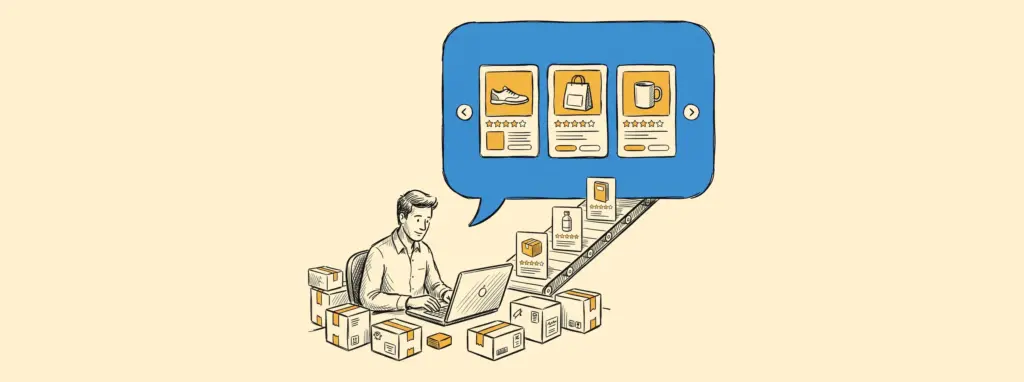
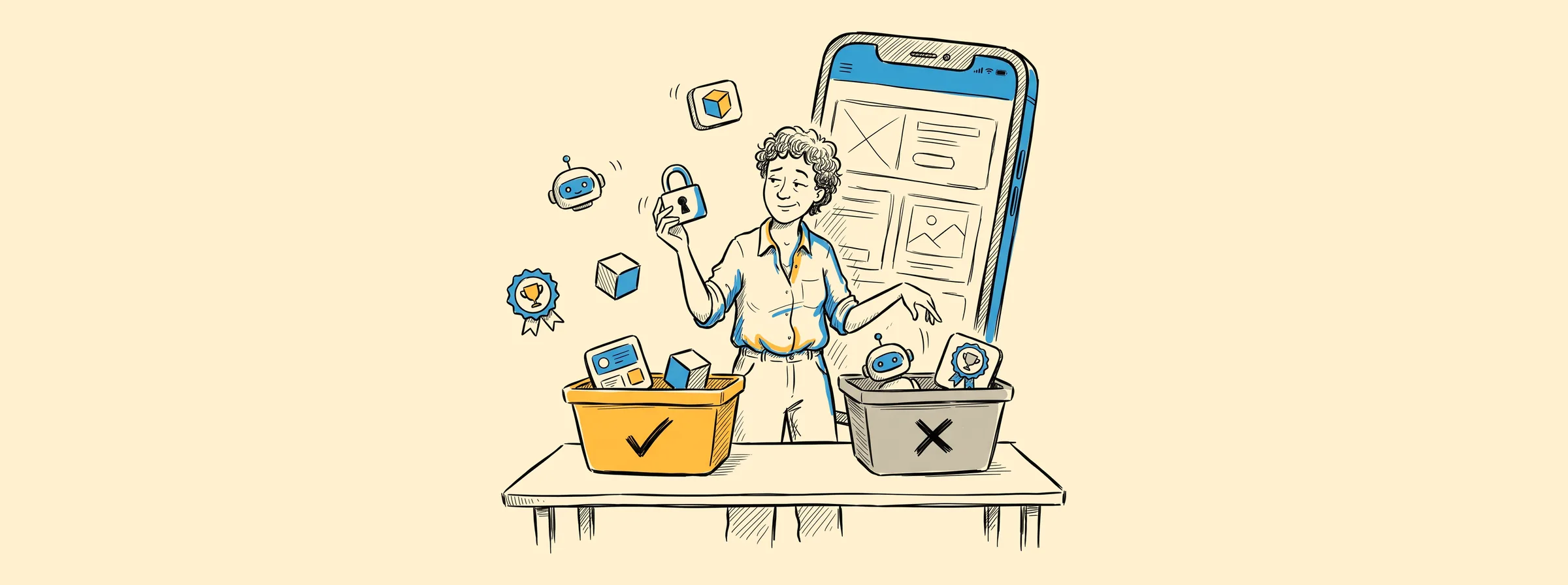
Every year, a new batch of trend lists says your app needs AI, augmented reality and a fresh new look. Most of those lists are written by developers, for developers.
But if you run a business and you’re thinking about an app, your question is probably simpler: which of these will my customers actually notice, and which ones will just make the project more expensive?
That’s what this guide is for. We go through the mobile app development and design trends that matter in 2026 and give you our honest take on each one.
Last updated: October 2026. This guide replaces our 2025 mobile design trends article.
Short on time? Here’s our take on each trend
Each one is explained in more detail further down.
- AI that does one job well: worth building now.
- Cross-platform apps: the right choice for most businesses.
- AI app builders: great for testing an idea, not for launching.
- Lock screen updates and widgets: worth it if your service is time-sensitive.
- Passkeys and privacy: worth building now.
- AR and mixed reality: skip it, unless customers need to see a product in their space.
- The new Apple and Google look: plan a refresh.
- Accessibility: worth building now.
- Personalization: start small.
- Speed: worth building now.
- Gamification: only if people use your app often.
- Big screens and foldables: plan for it.
How to judge any app trend
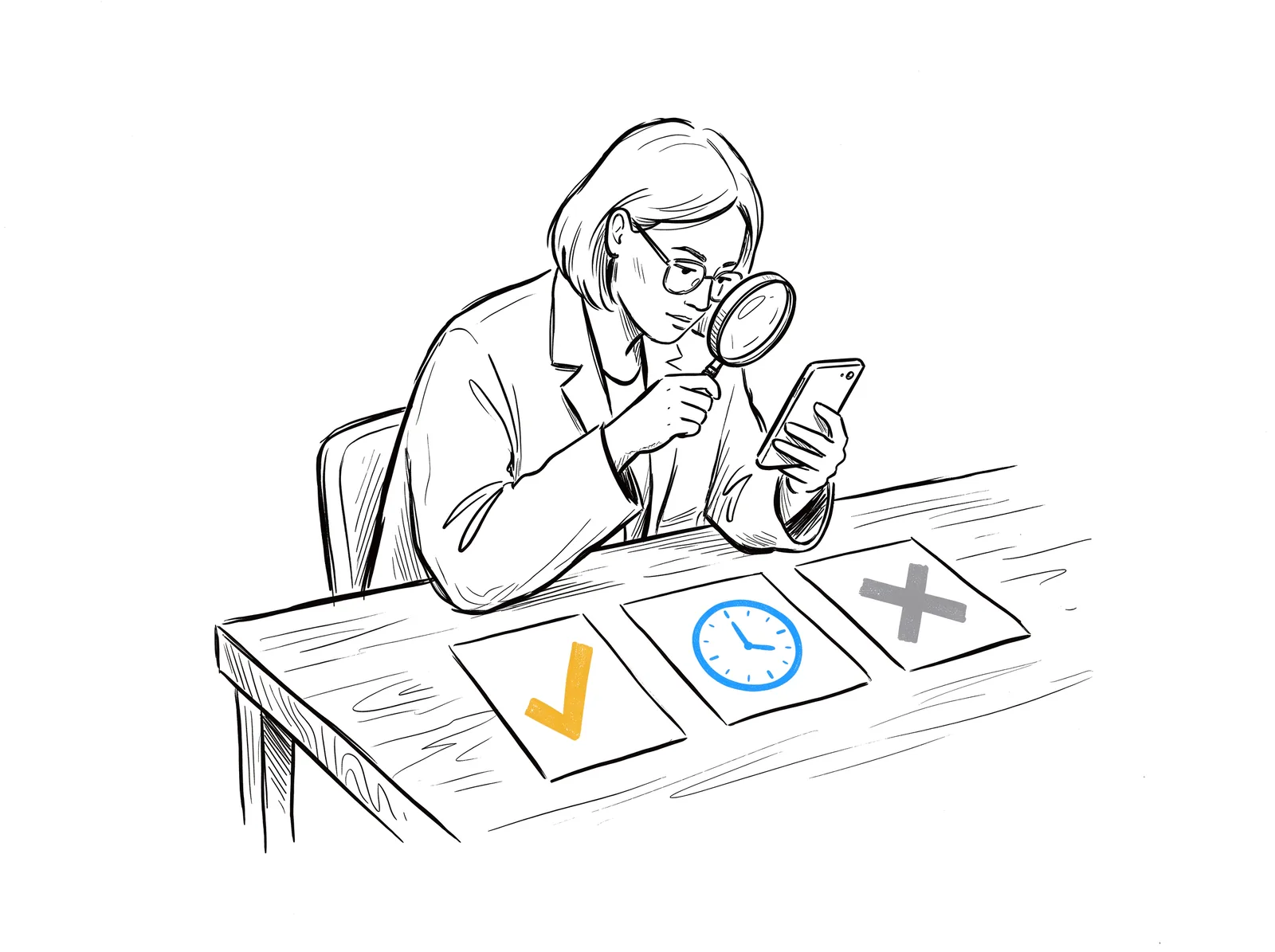
Before adding a feature just because everyone’s talking about it, ask yourself three quick questions:
- Does it help people do the main thing faster? Booking, ordering, paying, logging a job. If not, it’s decoration.
- Would anyone miss it? People notice a slow checkout. Hardly anyone notices a missing 3D effect.
- Can you keep it working? Apple and Google release a big update every year. A feature nobody maintains turns into a bug.
If a trend doesn’t pass any of these, you can safely ignore it.
Mobile app development trends for 2026
1. AI that does one job well
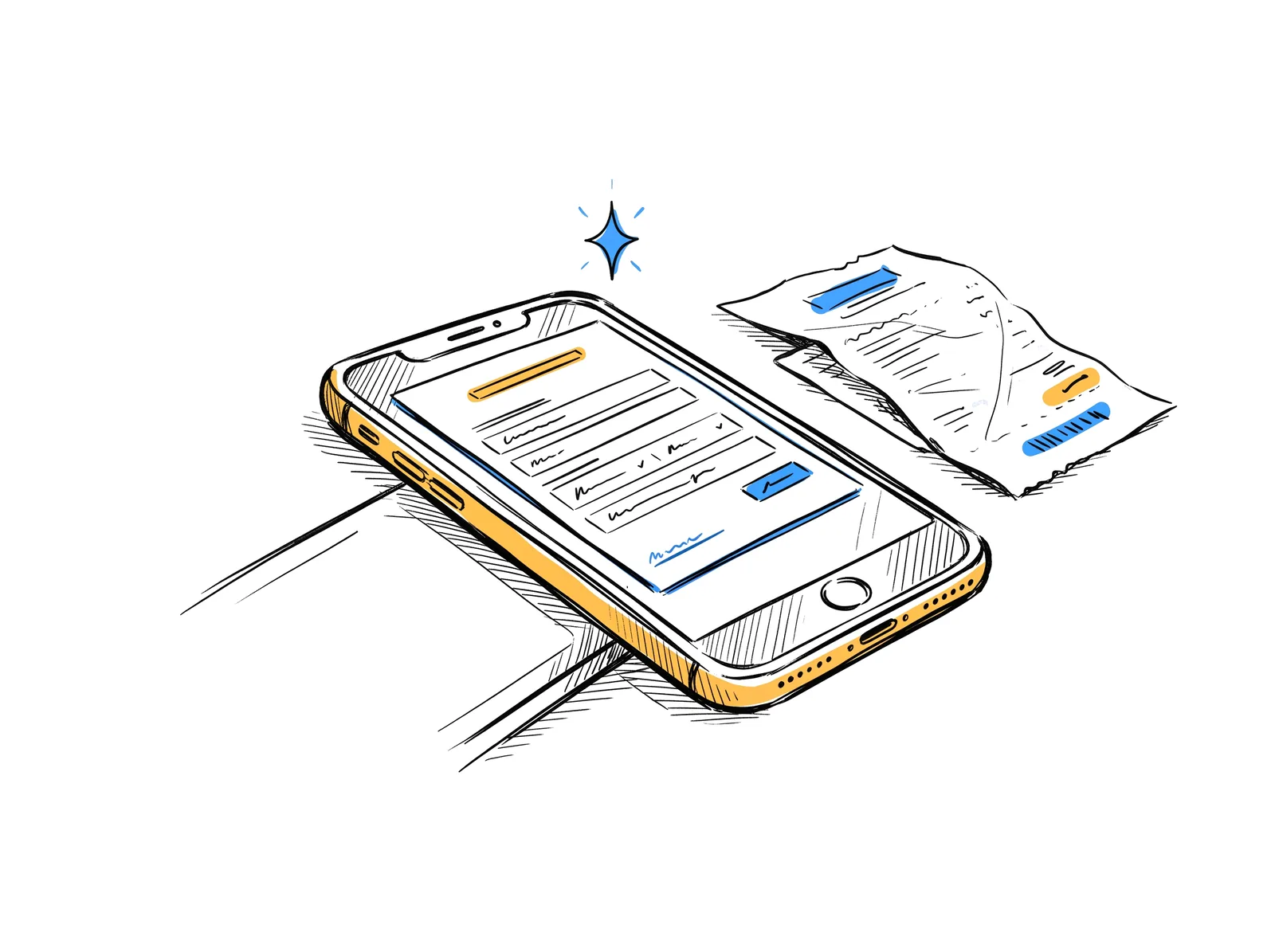
A couple of years ago, lots of apps added a chatbot and called it AI. The AI that’s actually useful in 2026 is much quieter: it saves people a step.
A few examples:
- Searching your past orders in plain words, like “everything I bought last spring over $500”
- Filling in a form just by snapping a photo of a receipt or business card
- Turning a long service report into a three-line summary
What’s new: AI can now run right on the phone (Apple’s Foundation Models on iOS 26, Gemini Nano on recent Android phones). It works offline, keeps data private, and doesn’t cost you anything per use. Bigger jobs still go to cloud AI, which is billed per request.
Our take: Worth building now, for one clear task. Look for the most tedious step in your app and ask whether AI could do it for your users.
2. Cross-platform is the new normal
Tools like Flutter and React Native let one team build one app that runs on both iPhone and Android. Most people using these apps can’t tell the difference from a “native” one.
Why your budget will like it:
- One team instead of two
- New features land on both phones on the same day
- One app to maintain, not two
When separate native apps still make sense: heavy camera or AR features, Bluetooth devices, live video, or brand-new Apple and Google features.
Our take: The right choice for most business apps. It’s how we handle mobile app development at Graphem: Flutter for most projects, native when the app really needs it.
3. AI app builders: great for testing, not for launching
You can now describe an app in a few sentences and have AI build a working version in a few hours. That’s fantastic for testing an idea before you spend real money.
What a real launch still needs:
- Secure logins and payments
- A backend that won’t fall over when real customers show up
- Connections to your CRM, inventory or booking system
- Approval from the App Store and Google Play
- Someone who understands the code when iOS changes next year
The good news: these tools changed what people expect. Clients now want to try an app before paying for the whole build, and that’s a great habit. Tapping through a working prototype on your phone tells you far more than looking at static mockups.
Our take: Use them to test your idea, not to launch your business. If you’d like the speed of a prototype with real engineers behind it, that’s exactly how our mobile app design and development process starts.
4. Your app, outside the app
People open apps less often but glance at their phones all day. So a lot of an app’s value now shows up on the lock screen and home screen.
What this looks like:
- Live updates on the lock screen, like “Your technician arrives in 10 minutes” (called Live Activities on iPhone)
- Home screen widgets showing a balance, the next appointment or loyalty points
- Fewer, better notifications. Newer phones summarize them with AI, so vague promos get skipped.
Our take: Worth building now if your service is time-sensitive, like deliveries, bookings or field service. Otherwise, one genuinely useful widget is a nice touch.
5. Passkeys and privacy
Passwords are where a lot of people give up on signing up, and they’re easy to steal. Passkeys replace them with Face ID, a fingerprint or the phone’s PIN. They can’t be phished, and both iPhone and Android support them.
Privacy is front and centre too. Both app stores show what data your app collects, right on the download page. A few simple habits help:
- Only collect what you really need
- Ask for location, contacts or the camera when the user needs it, not on the first screen
- Explain why in one short sentence
Our take: Worth building now. Both are much cheaper to plan from the start than to add later.
6. AR and mixed reality: handy in a few cases
Augmented reality uses your phone’s camera to place digital objects in the real world, like a sofa in your living room or a pair of glasses on your face. Headsets like Apple Vision Pro and Meta Quest are still a small audience.
It’s worth it when:
- Customers need to see a physical product in their own space before buying
- You train staff on expensive equipment
Our take: Skip it for now, unless one of those sounds like you.
Mobile app design trends for 2026
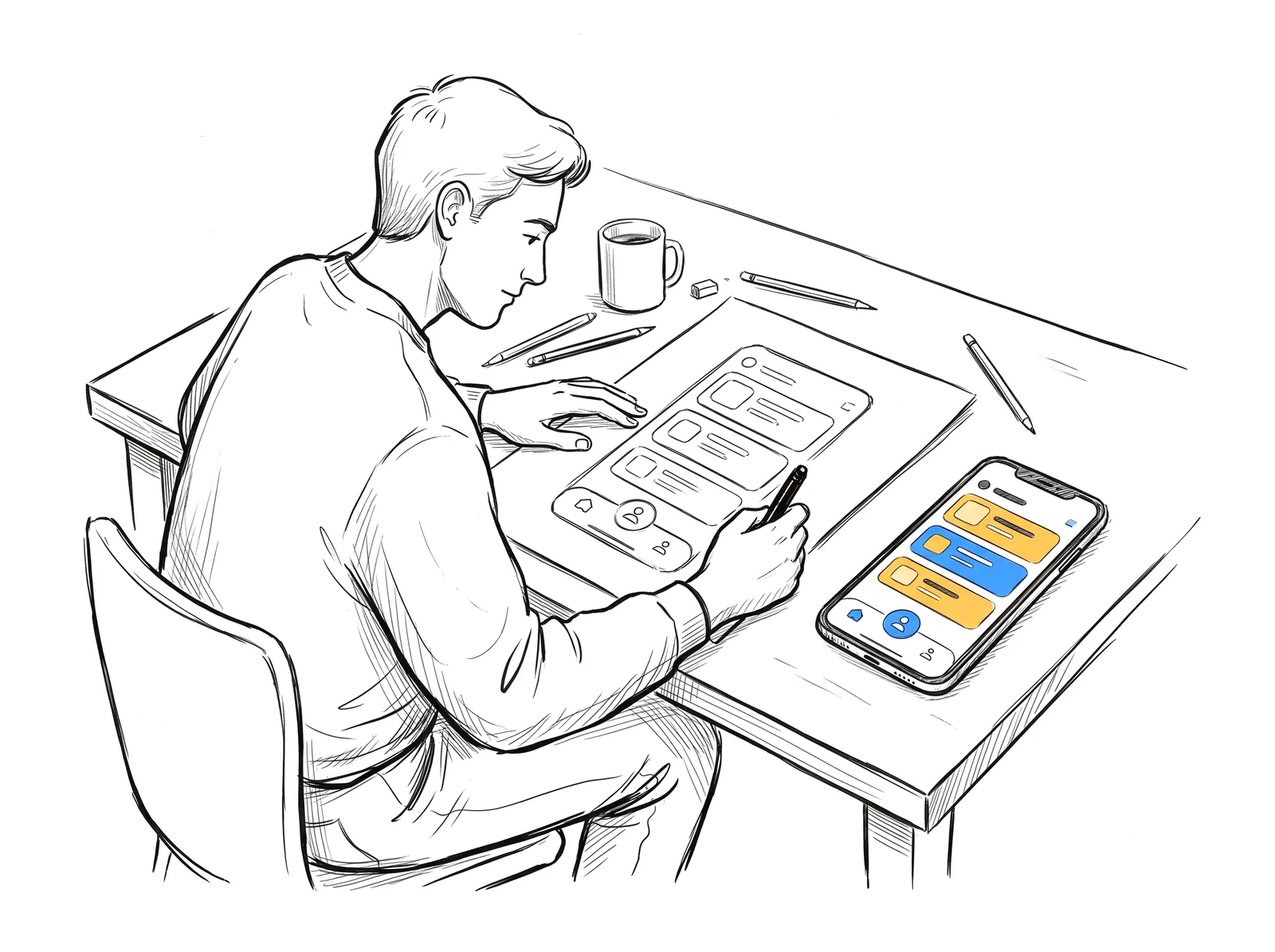
7. A new look from Apple and Google
In 2025, both companies refreshed their design style:
- Apple’s Liquid Glass (iOS 26): see-through buttons, floating menus and more depth
- Google’s Material 3 Expressive: bolder colours, shapes and motion
Apps that haven’t been touched since then can look a bit dated next to everything else on the phone. You don’t have to copy every effect. Use the new navigation styles, keep your own brand colours, and make sure text is still easy to read.
Our take: Plan a refresh if your app’s last redesign was before 2025. While you’re at it, our list of common mobile app design mistakes makes a handy checklist.
8. Accessibility is now a must
Since June 2025, the European Accessibility Act requires apps for things like online shopping and banking in the EU to be accessible. In Canada and the US, rules and lawsuits are moving the same way.
An accessible app:
- Works with the bigger text sizes people set on their phone
- Has enough contrast to read outside in the sun
- Labels every button for screen readers
- Has buttons big enough for a thumb
- Never uses colour alone to show an error
Our take: Worth building now. It’s easy when it’s part of the design, and expensive to fix later. Bonus: it makes the app nicer for everyone.
9. Personalization, without being creepy
People love apps that remember them. They don’t love apps that feel like they’re watching.
- Start with what people tell you: saved preferences, favourites, recent items
- Add smart recommendations later, once you have enough real usage to make them good
Our take: Start small. A simple “order again” button is personalization that pays for itself.
10. Speed is part of the design
People decide how they feel about an app in the first few seconds. A few things make a big difference:
- Show something right away, even if it’s from their last visit
- Keep working on a weak signal
- Keep the download small
- Skip the long splash screen
Every extra screen, animation and tracking tool slows things down. We dig into those first seconds in the blueprint of a successful mobile app.
Our take: Worth building now. A fast, simple app beats a slow, beautiful one every time.
11. Gamification, only where it fits
Streaks, progress bars and badges work well in apps people open often, like fitness, learning or loyalty programs. In an app someone opens twice a year, they’re just noise.
Our take: Only if people use your app every week or more. Simple progress, like “3 more stamps to a free coffee,” works almost anywhere.
12. Big screens, foldables and gestures
Phones come in all shapes now.
- Foldables and tablets: Google now expects Android apps to adjust to any screen size
- Edge to edge: apps fill the whole screen, around the camera and the gesture bar
- Thumb-friendly: main buttons at the bottom, swipe actions on lists
Our take: Plan for it. Ask your developer whether your app adapts to different screen sizes.
What building an app looks like in 2026
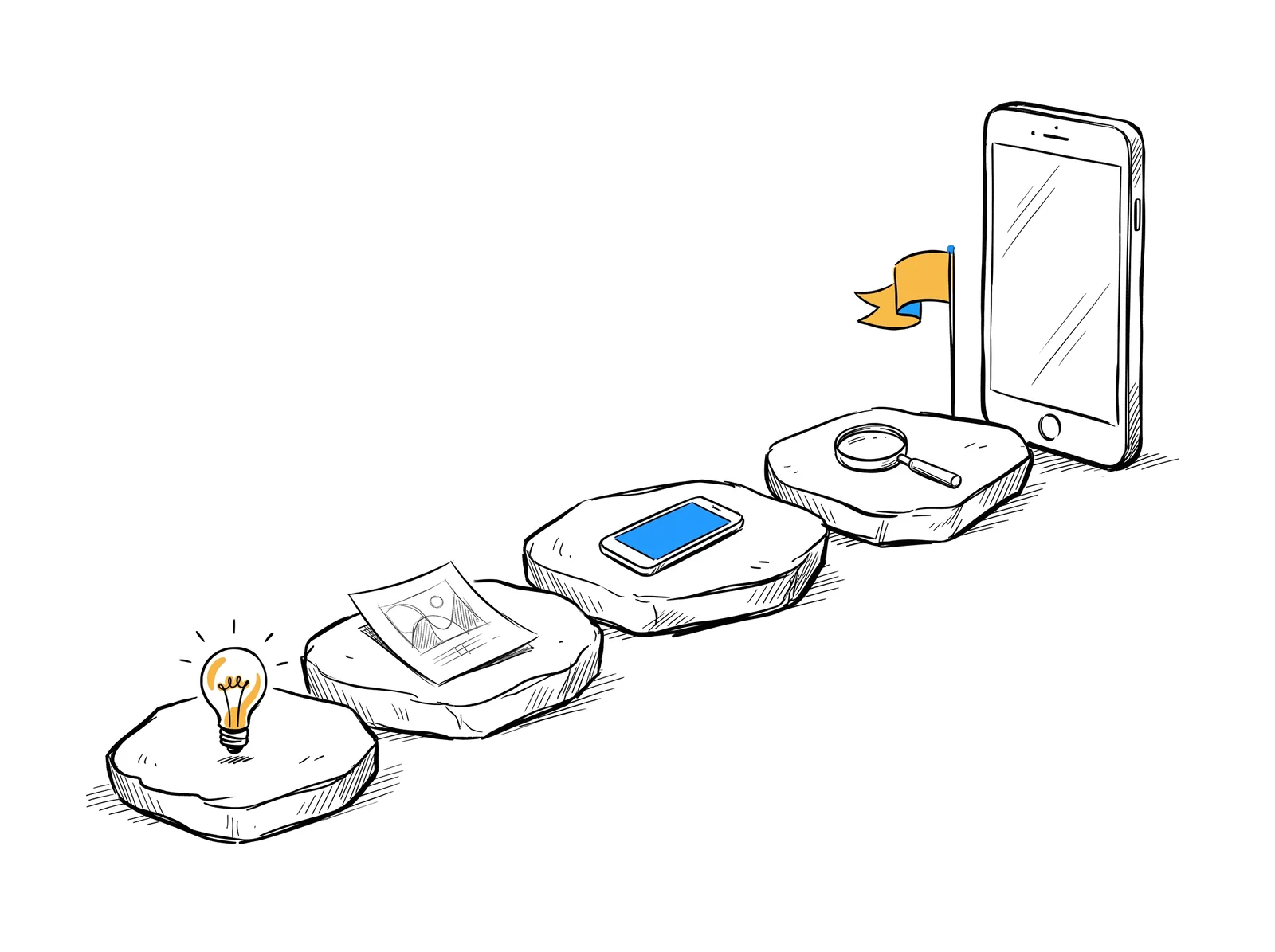
The basic steps are the same as ever: research, plan, prototype, build, test, launch and maintain. But three things have changed:
- The prototype comes first, and fast. You get to try your app before committing to the full build.
- AI speeds up parts of the work, mostly coding and testing.
- Maintenance is planned from day one, because Apple and Google release a big update every year.
Want the full walk-through? Read our guide to mobile app development basics. Still testing your idea? Start with market analysis before you build.
Planning an App? Start With Something You Can Tap
Think of trends as a filter, not a shopping list. The apps that do well in 2026 do one job really well, load fast, respect people’s privacy and keep working after every update. The mobile app development trends worth your money are the ones that make life easier for your customers.
At Graphem, our team in Vancouver, Canada designs and builds iOS and Android apps for businesses. Every project starts with a working prototype you can try on your own phone before you commit.
Curious? Learn more about our mobile app development services, or get in touch to get your app prototype.